First-party, all the way down.
No Zoho, no WorkDrive, no embedded third-party drive interface. The storage your files sit in is operated by Weke, which is the only way the rest of these promises can be kept.
How access is decided
Identity and authority are different questions, and Weke Drive keeps them apart on purpose. Weke ID answers who you are, once, for the whole platform. Drive answers what you may do with this particular file — and writes down that it answered.
There is no separate Drive account to create. Your platform session is exchanged for a Drive-audience token, so the credential that opens Drive opens only Drive.
Every file action — open, download, preview, move, share — is checked against Drive's own permission model. The check is server-side; hiding a button was never the security.
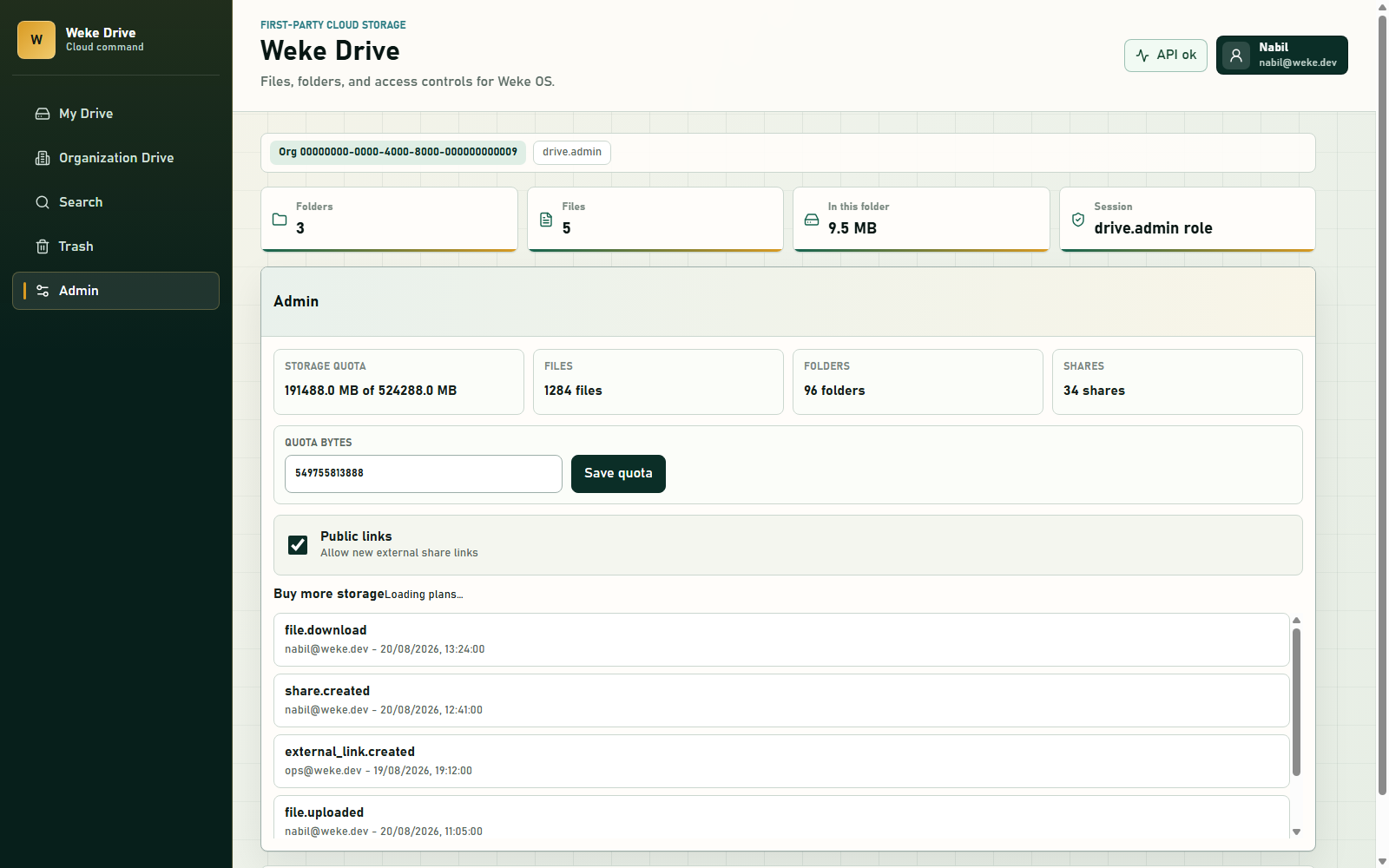
Sensitive actions write audit events as they happen: who acted, on what, and when. The trail is a by-product of doing the work, not a report someone has to remember to run.
No Zoho, no WorkDrive, no embedded third-party drive interface. The storage your files sit in is operated by Weke, which is the only way the rest of these promises can be kept.
Raw object-storage paths are never handed to a browser or a share recipient. Every byte that leaves does so through Drive, after a check, with a line in the audit log.
Usage against quota is visible to the people responsible for it, so running out of room is something an organization can see coming rather than discover mid-upload.
Inside the console
Quota against usage, counts for files, folders and shares, the switch that turns external links off for everyone — and beneath them the audit trail, newest first, naming the actor for every action.